

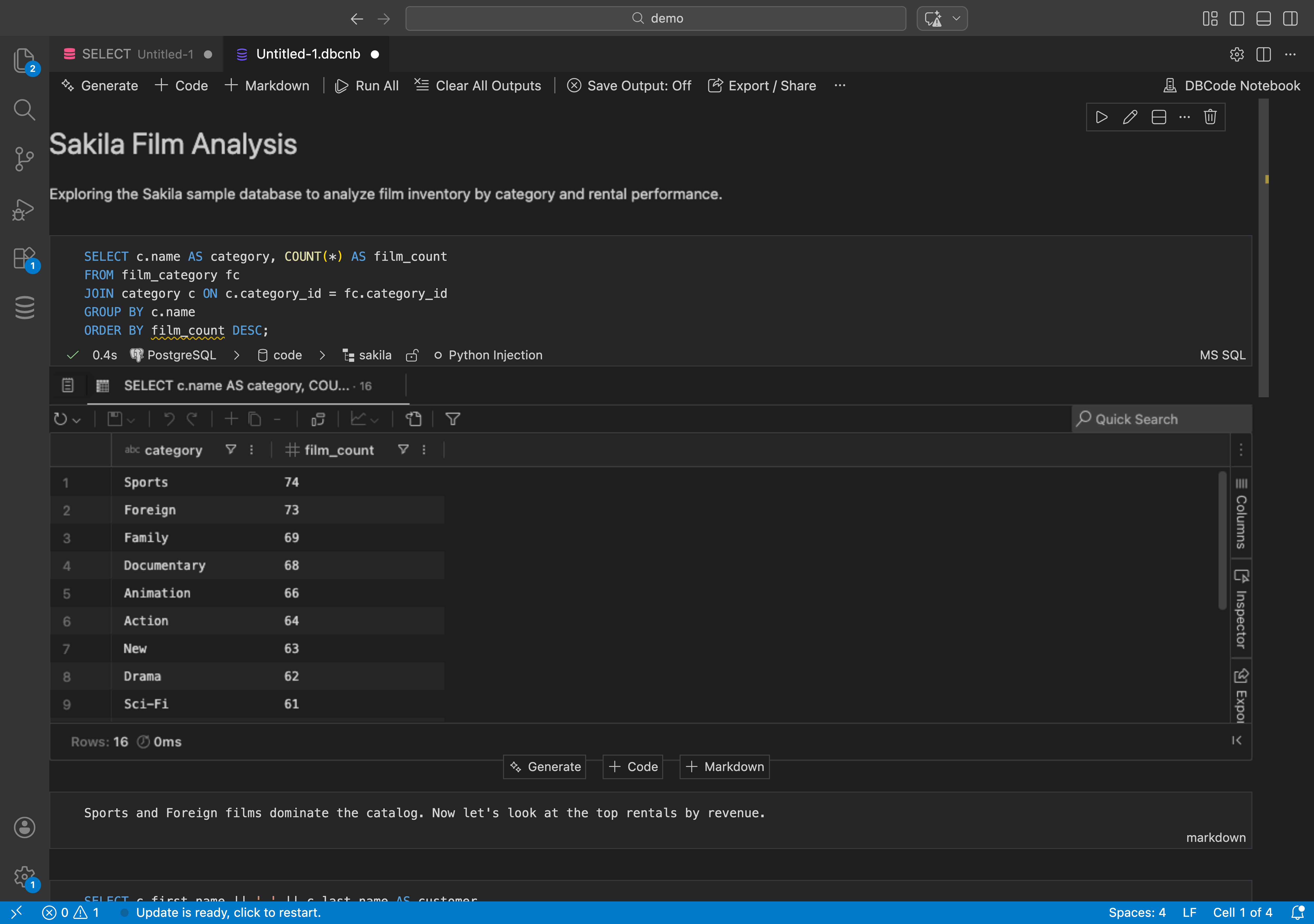
If you’ve used Jupyter notebooks for Python, you already know the concept. Cells of code mixed with documentation. Run them individually or all at once. See results inline.
DBCode brings the same idea to SQL.
What Are SQL Notebooks?
A SQL notebook is a file with cells. Each cell is either SQL or markdown. You write a query, run it, and see results right below the cell. Add a markdown cell to explain what the query does. Run the whole notebook top to bottom, or pick individual cells.
Why Not Just Use .sql Files?
You could. But .sql files are flat. You run the whole thing or nothing. You can’t mix documentation with queries. You can’t see results next to the query that produced them.
Notebooks give you:
- Cell-by-cell execution. Run one query at a time. Check results. Move to the next.
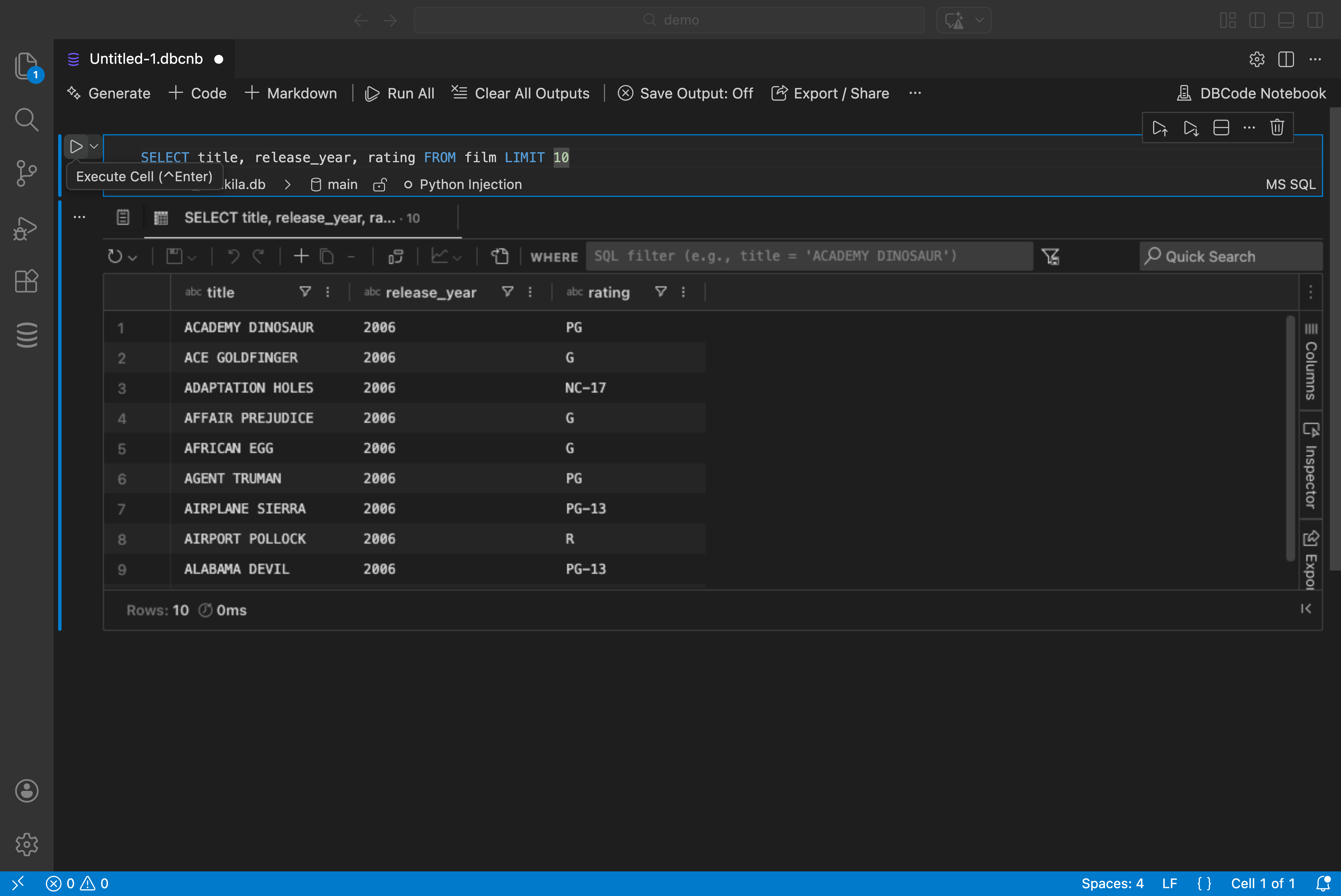
- Inline results. No switching between editor and results panel.
- Documentation baked in. Markdown cells explain the context. Why this query exists. What to look for in the results.
- Shareable. Save as a file. Commit to git. Share with your team.
Use Cases
Onboarding. New dev joins the team? Hand them a notebook that walks through the schema. “Here’s the users table. Here’s how orders connect to products. Here’s the query to find active subscriptions.”
Incident investigation. Something’s wrong in production. Open a notebook, write queries to check different tables, add notes about what you find. When you’re done, you have a documented investigation you can share.
Reporting. Weekly metrics? Build a notebook. Run it every Monday. Results right there next to the queries.
Learning SQL. Teaching someone SQL? Notebooks let them read the explanation, run the query, see the result. All in one place.
How to Get Started
- Install DBCode in VS Code
- Connect to a database
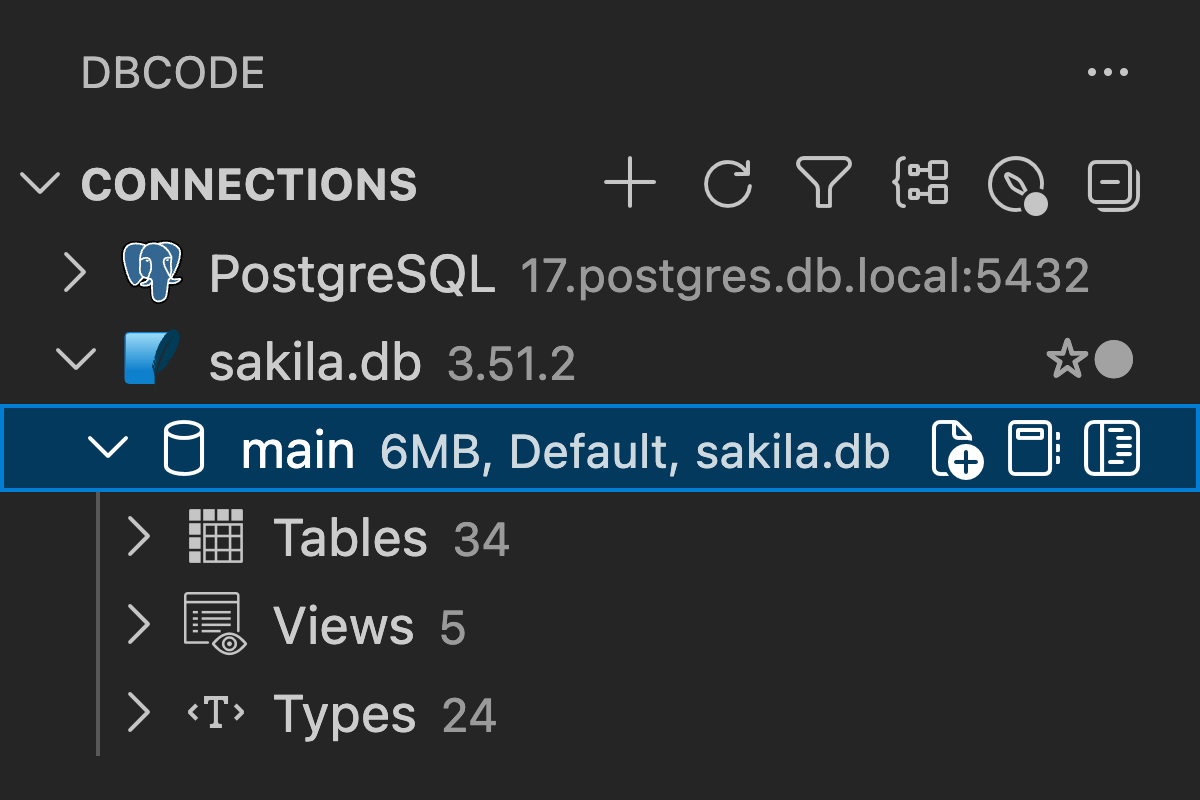
- Right-click a connection and select “New Notebook”
- Start adding cells
Works with all 50+ databases DBCode supports. Postgres, MySQL, MongoDB, Snowflake, whatever you’re running.
Try it: https://dbcode.io/docs/notebooks