

pgAdmin in one window. VS Code in another. Alt-tab to check a column name, alt-tab back to write the query, alt-tab again to run it.
DBCode is a VS Code extension that puts a database client right in your editor.
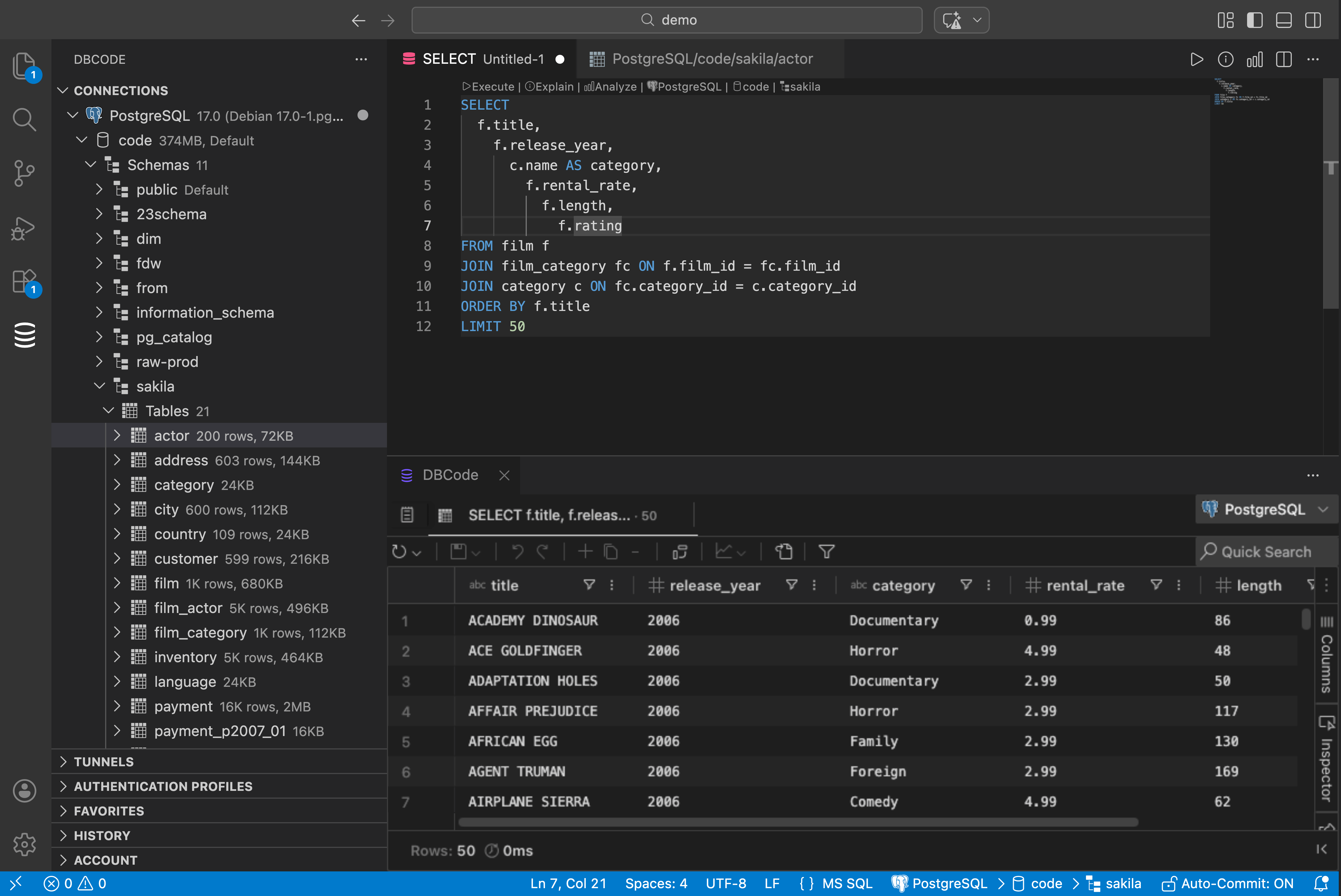
Browse everything
Connect and your databases, schemas, tables, views, stored procedures, functions, external tables all show up in the sidebar. Click a table or view to see its data. No SQL needed.
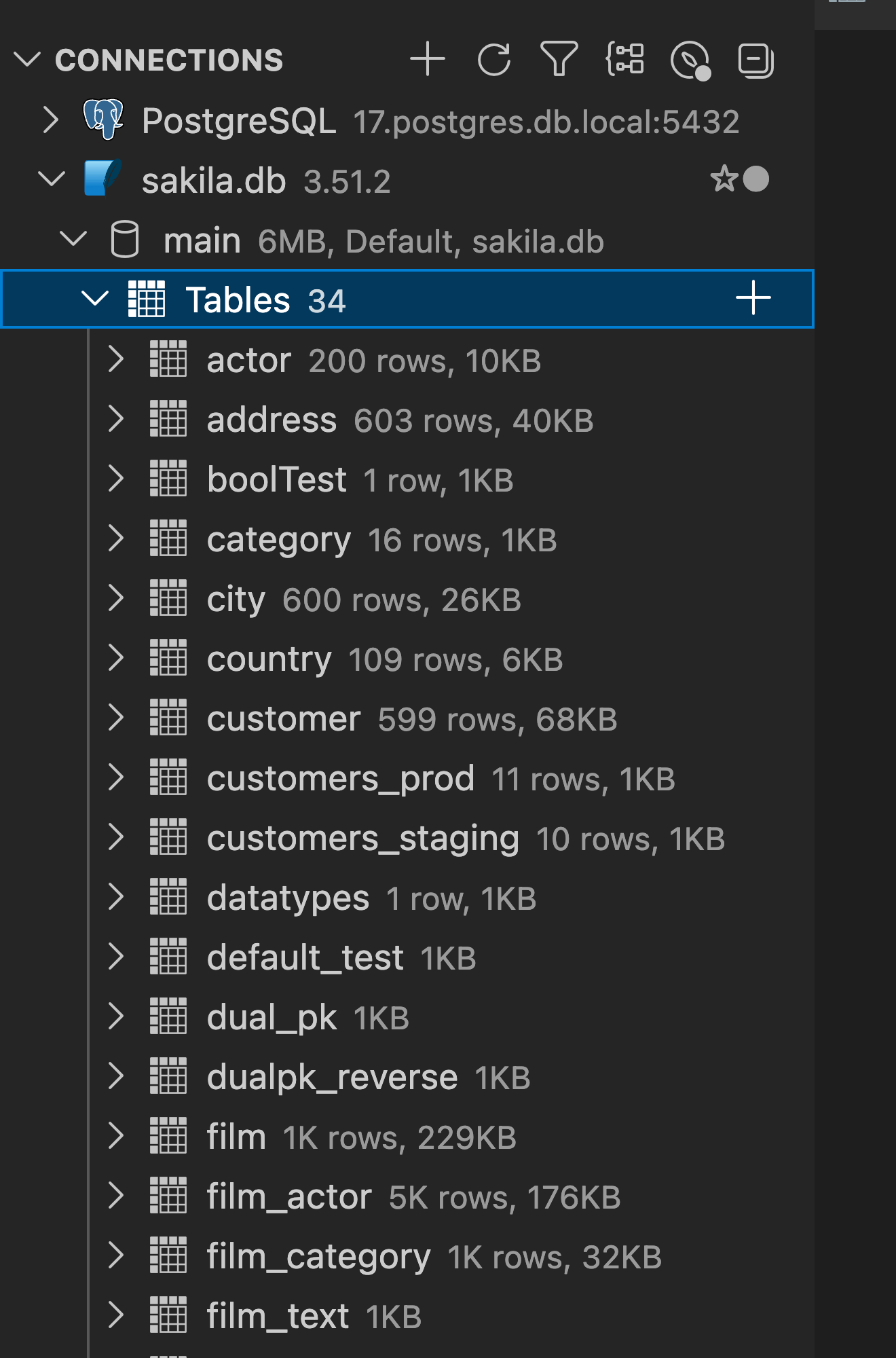
Edit data inline
Double-click a cell to edit it. Make your changes, then hit Save. DBCode runs a verify check on each affected row before executing to make sure only the intended rows are updated.
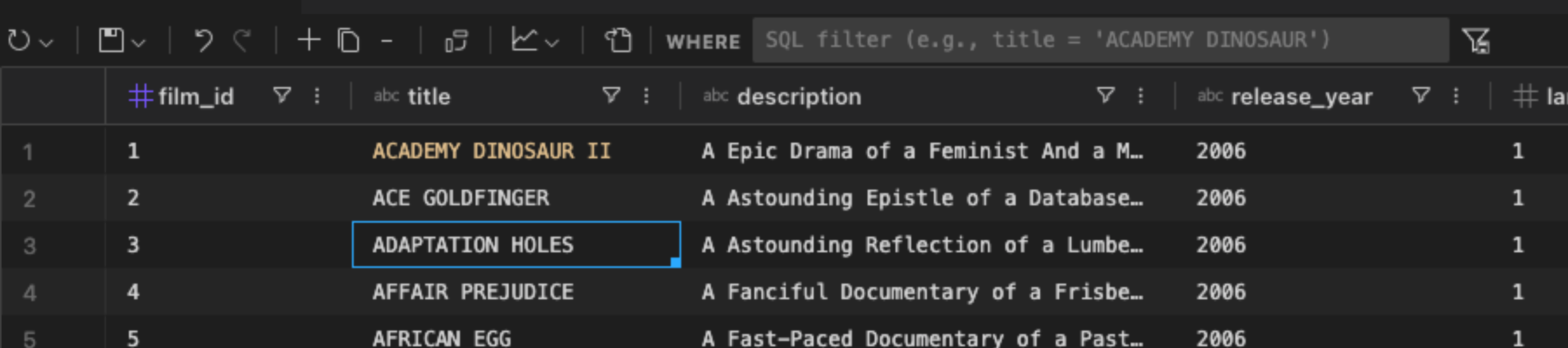
SQL with autocomplete
The editor knows your schema. Table names, columns, functions, all suggested as you type.
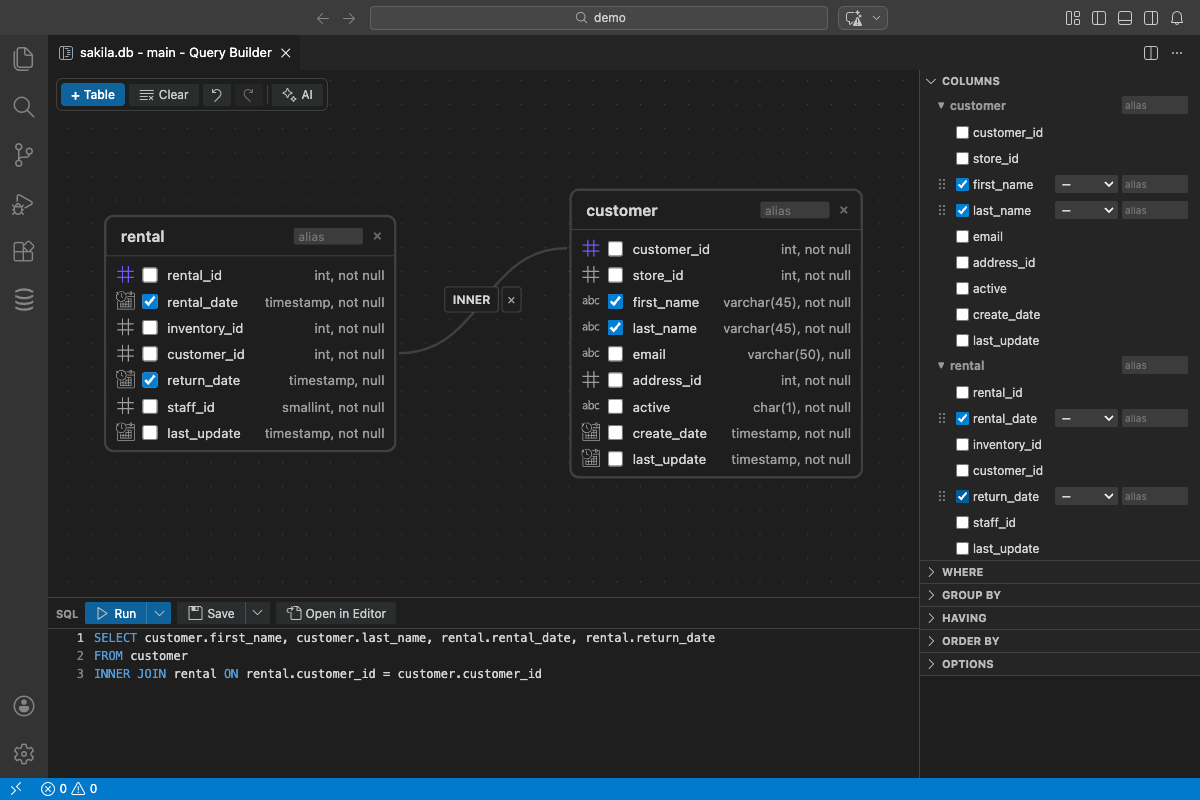
Visual query builder
Pick tables, set up joins, choose columns, add filters. DBCode writes the SQL.
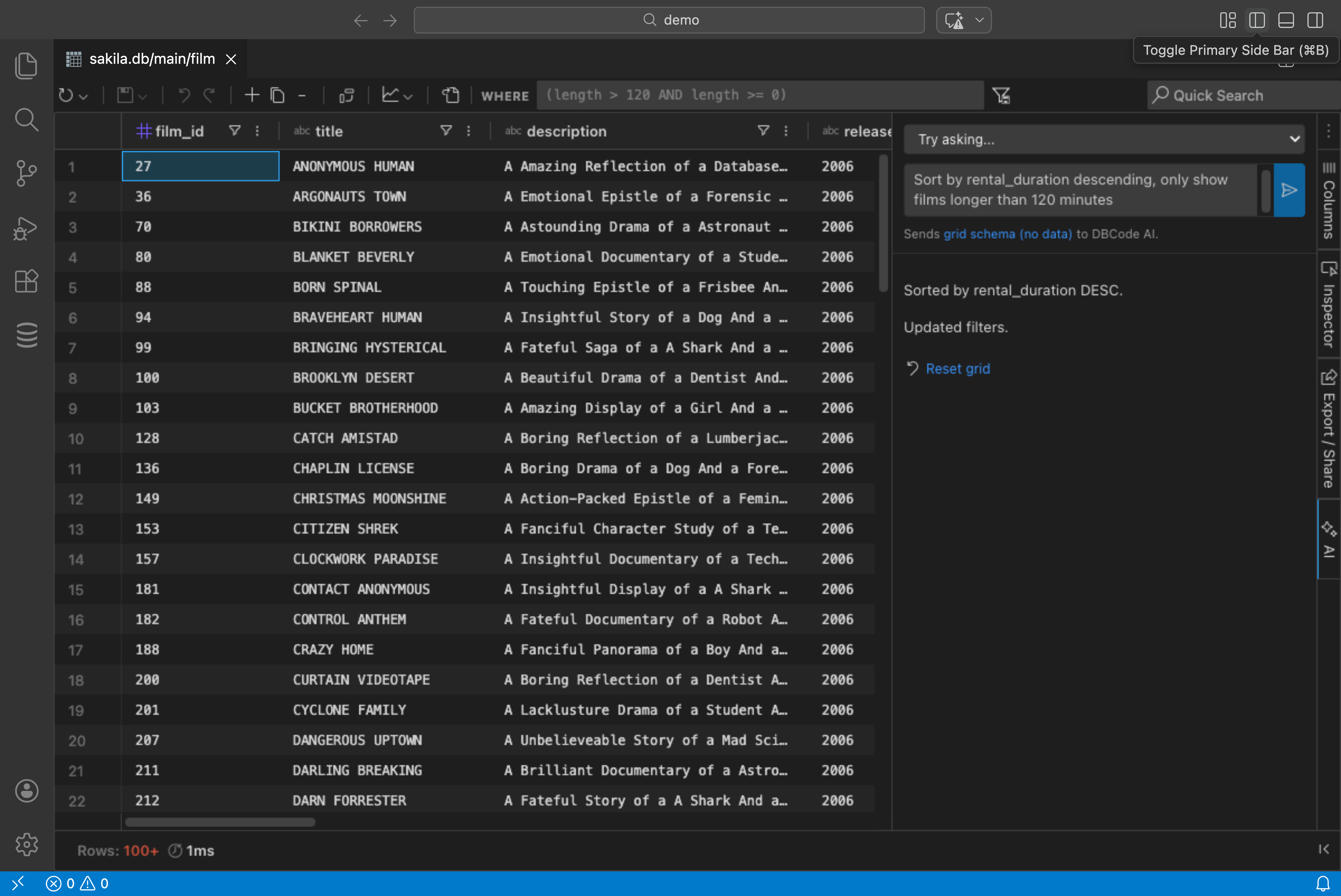
AI queries
Ask “show me all users who signed up this week” and DBCode writes the SQL. It knows your schema so the output works. Integrates with GitHub Copilot too.
Share results
Generate an encrypted link to query results. Passphrase protected, auto-expires. Recipients don’t need DBCode to view it.
50+ databases
Postgres, MySQL, MongoDB, SQL Server, SQLite, Snowflake, BigQuery, DuckDB, Redis, Clickhouse and more. Same interface for all of them.
Get started
- Open VS Code
- Search “DBCode” in Extensions
- Click the DBCode icon in the sidebar
- Add a connection