

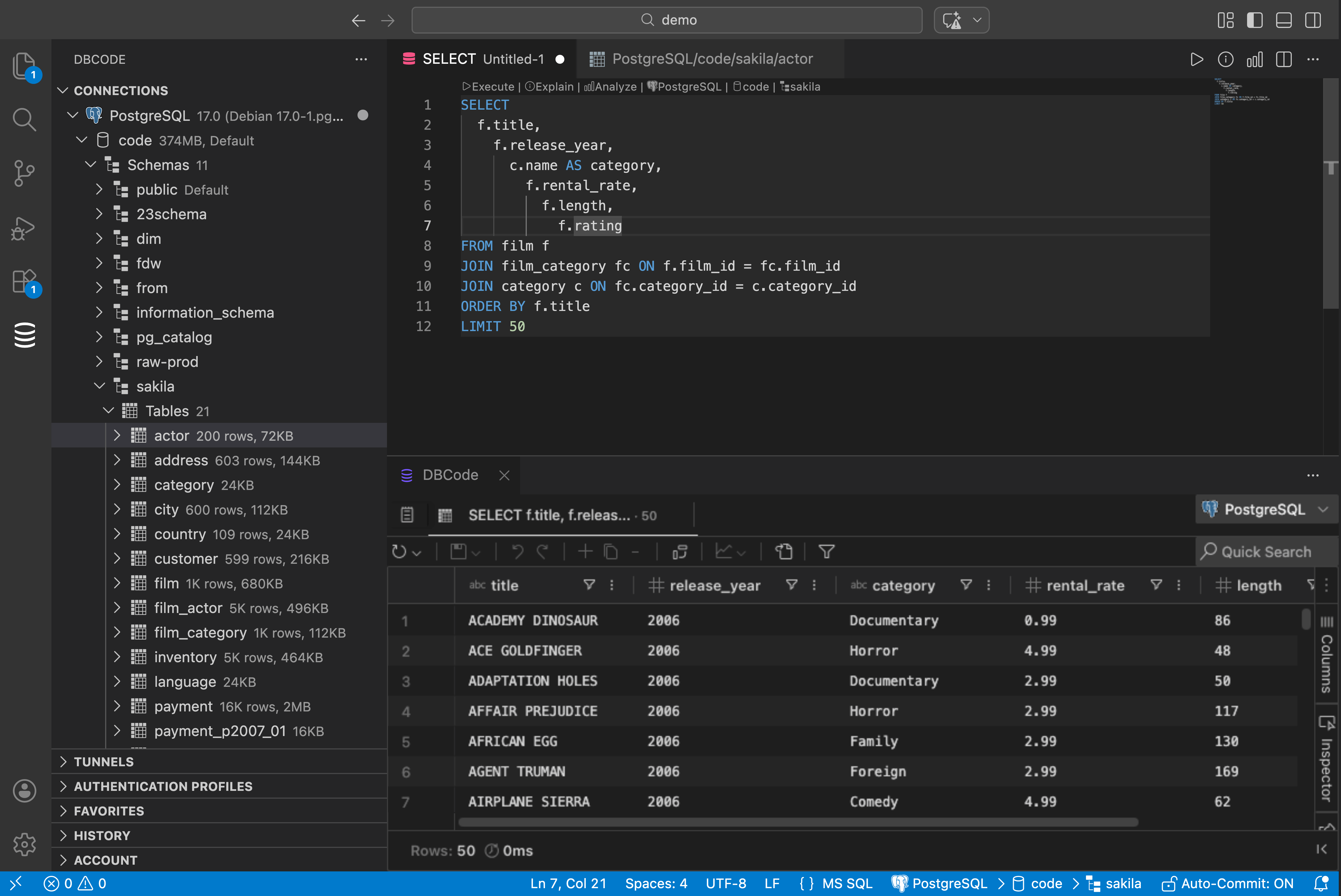
Count how many times you switch between VS Code and your database client today. I bet it’s more than you think.
pgAdmin in one window. DBeaver in another. Maybe a terminal running psql. Your code in VS Code. You’re constantly switching context, losing focus, and breaking your flow.
The Fix
DBCode puts a full database client inside VS Code. Not a toy. Not a “run a quick query” tool. A proper client with:
- Schema browser with tree view for databases, schemas, tables, views, functions
- Data editor where you click a table and see its data. Filter, sort, edit inline.
- SQL editor with autocomplete that knows your schema
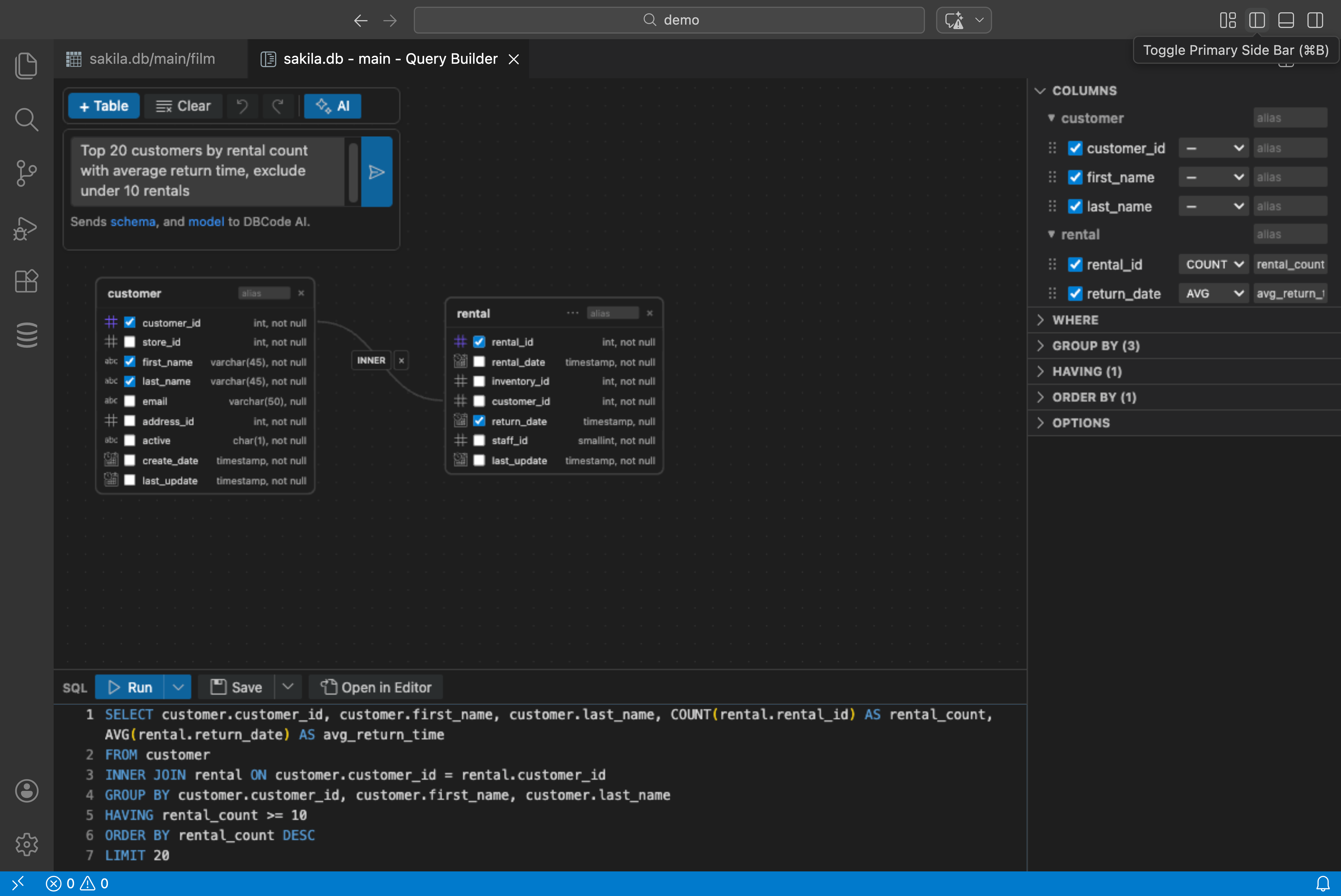
- Query builder for when you don’t want to write SQL at all
- Charts from query results (bar, line, pie, scatter, area)
- Notebooks for combining queries with documentation
- Encrypted sharing so you can send results to teammates without screenshots
It Works With Everything
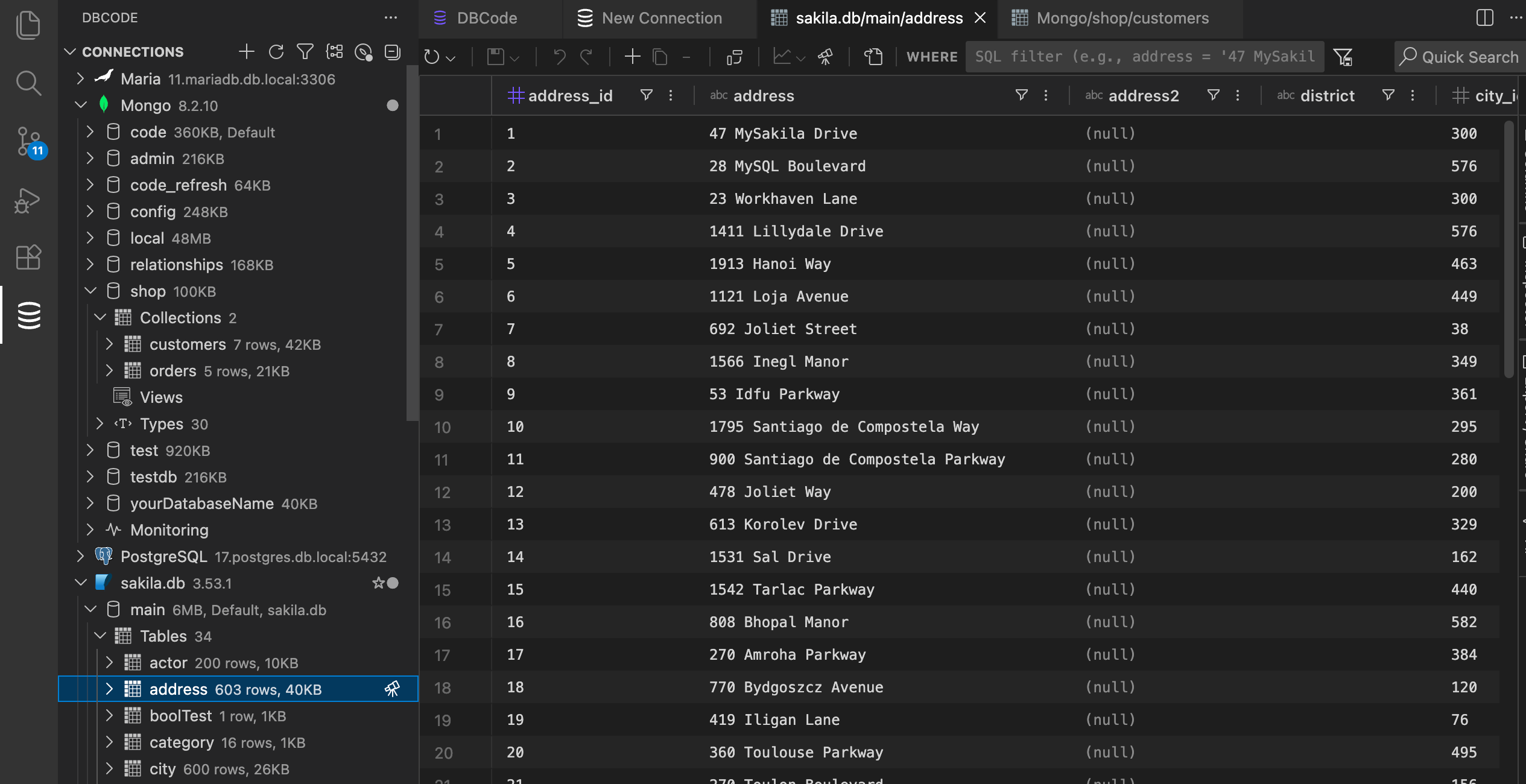
50+ databases. Postgres, MySQL, MongoDB, SQL Server, SQLite, Snowflake, BigQuery, DuckDB, Redis, Clickhouse, Cassandra, Neo4j… the list keeps going.
Same interface for all of them. Learn it once.
AI Included
The query builder has built-in AI. Type plain English into the toolbar: “Show me the top 10 customers by revenue this month.” DBCode reads your schema and builds the query. No extra setup needed.
Inline completions and natural language SQL generation work the same way. Write a comment like -- find all users with last name "Smith" and the query appears. Works with GitHub Copilot if you have it, or DBCode’s own AI if you don’t.
Getting Started
- Open VS Code
- Install DBCode from the Extensions panel
- Click the DBCode icon in the sidebar
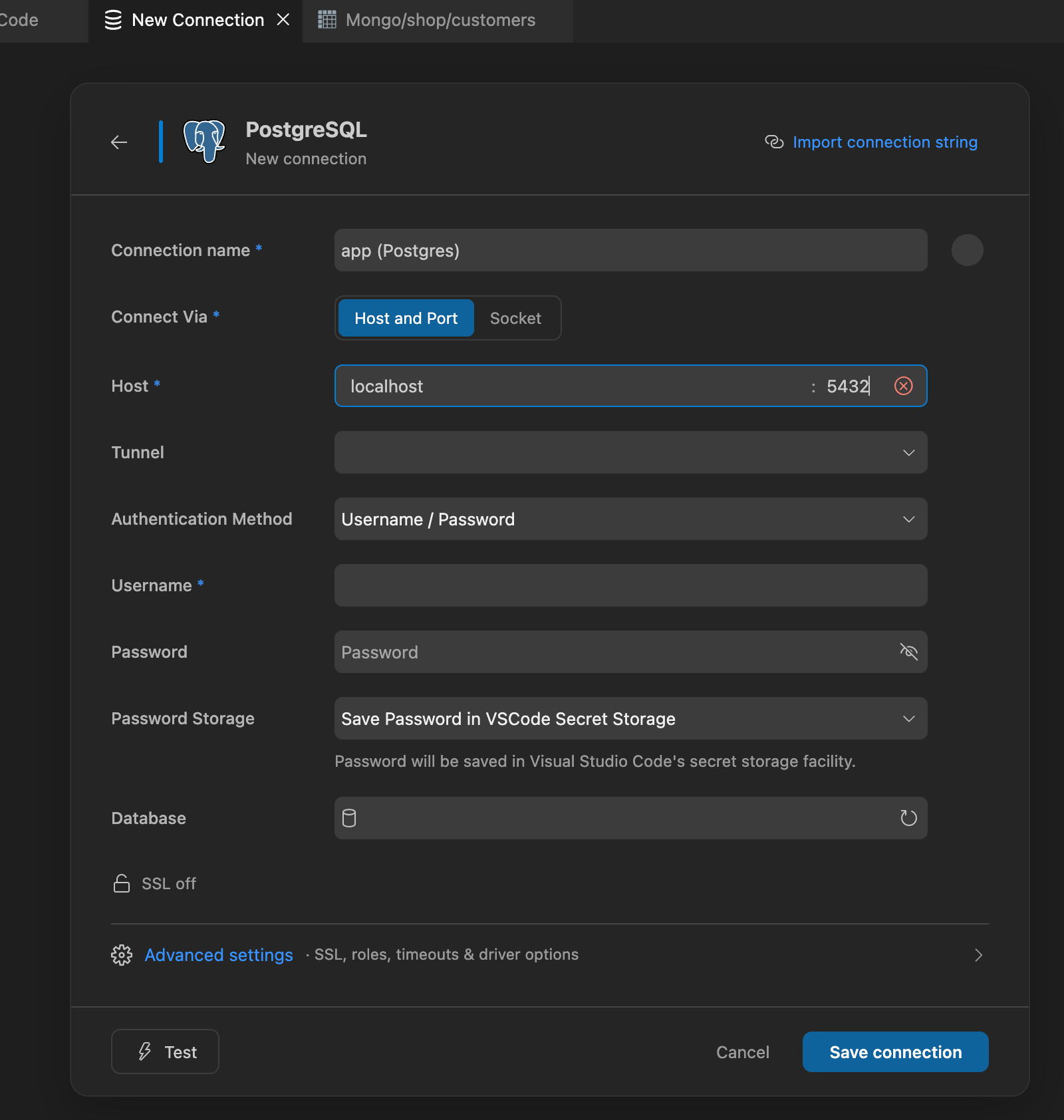
- Add a connection
That’s it. No configuration files. No CLI tools. No separate server to run.
Free to start: https://dbcode.io